From unattached disks to orphaned snapshots, the forgotten resources in your Google Cloud projects are quietly draining your budget. Learn how a Cost Posture Assessment turns your GCP bill into a ranked, dollar-sized action list you can act on today.
When we run a Security Posture Assessment, the first question is never "what's misconfigured." It's "what's in here that nobody is watching." The overexposed bucket. The service account with rights it stopped needing a year ago. The forwarding rule someone created for a demo and never removed. The riskiest things in a cloud project are usually the forgotten ones.
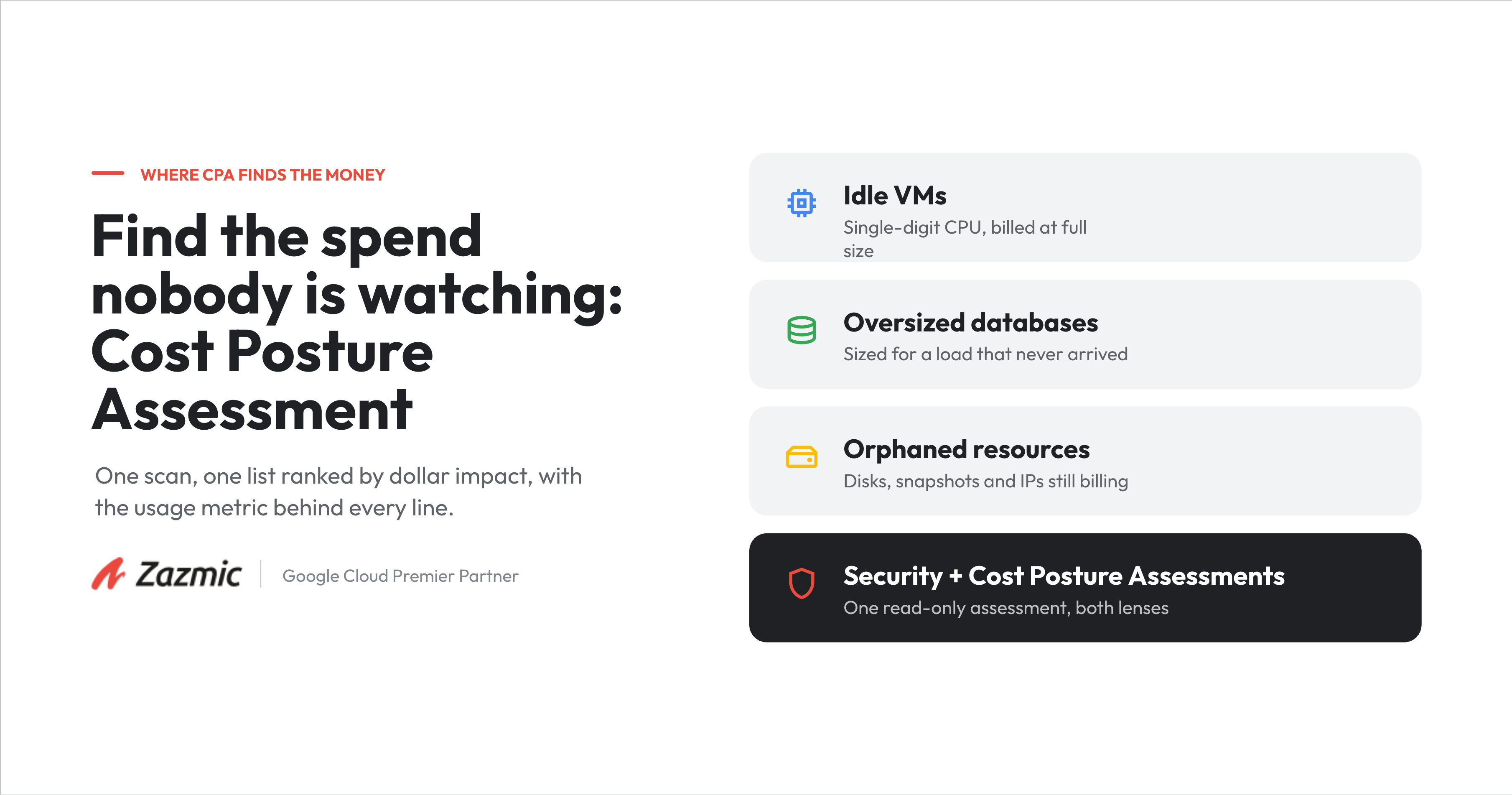
Here is what we kept noticing while doing that work: the forgotten things are also where the money goes. The unattached disk still billing every month. The external IP reserved for a load balancer that no longer exists. The oversized database running at ten percent.
So we added a second lens to the assessment. Alongside your security posture, we now assess your cost posture. We call it CPA (Cost Posture Assessment).
The problem with GCP cost tooling today
Compute, SQL, Storage, GKE, Cloud Run, networking, and a dozen more each have their own idle and rightsizing hints, in their own corner of the console, with nothing that adds them up into one view.
It is vague. "This instance may be underused" is not an action. There is no dollar figure, no owner, and no order, so nothing tells a team what actually pays off.
What Cost Posture Assessment gives you instead
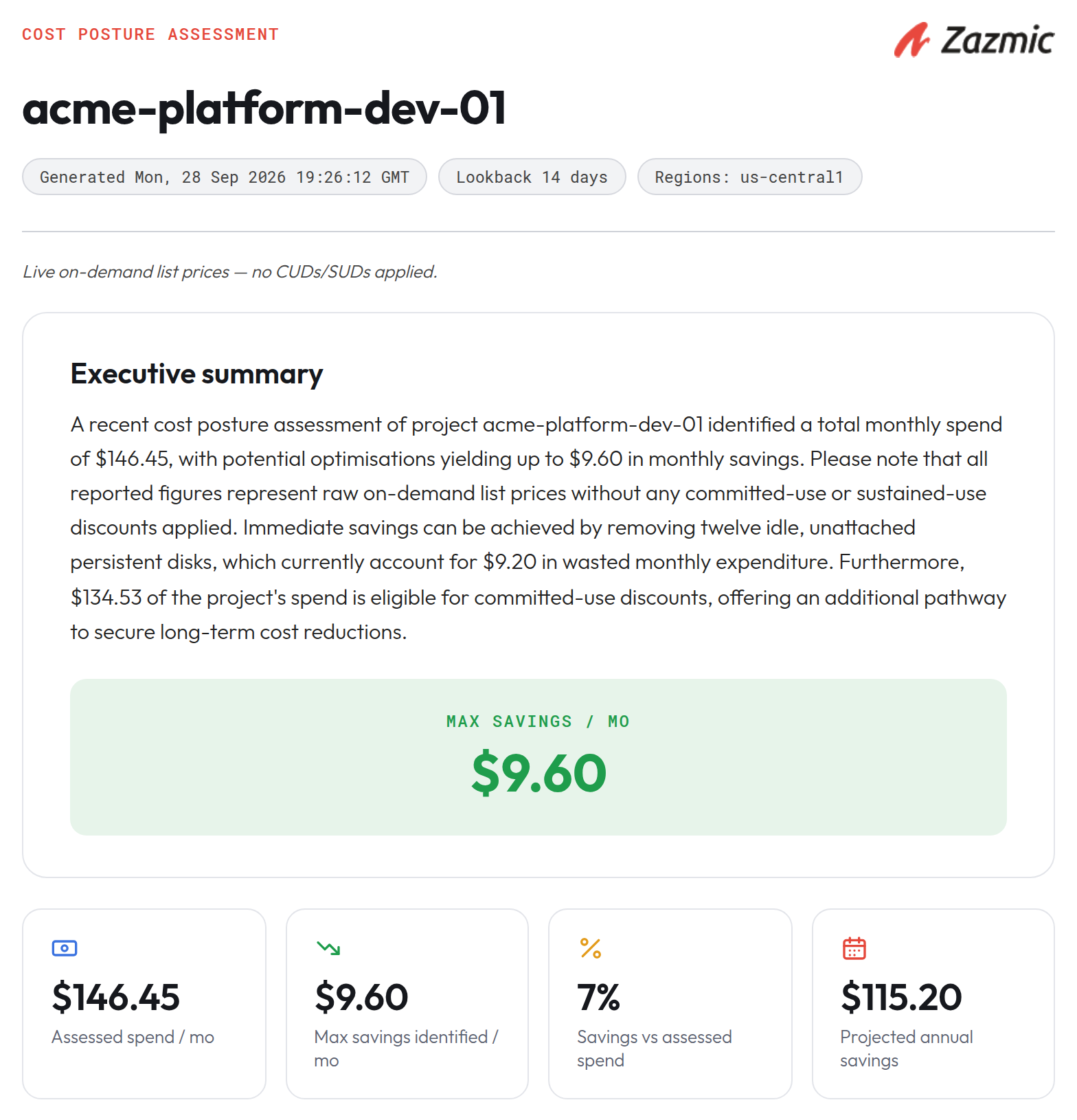
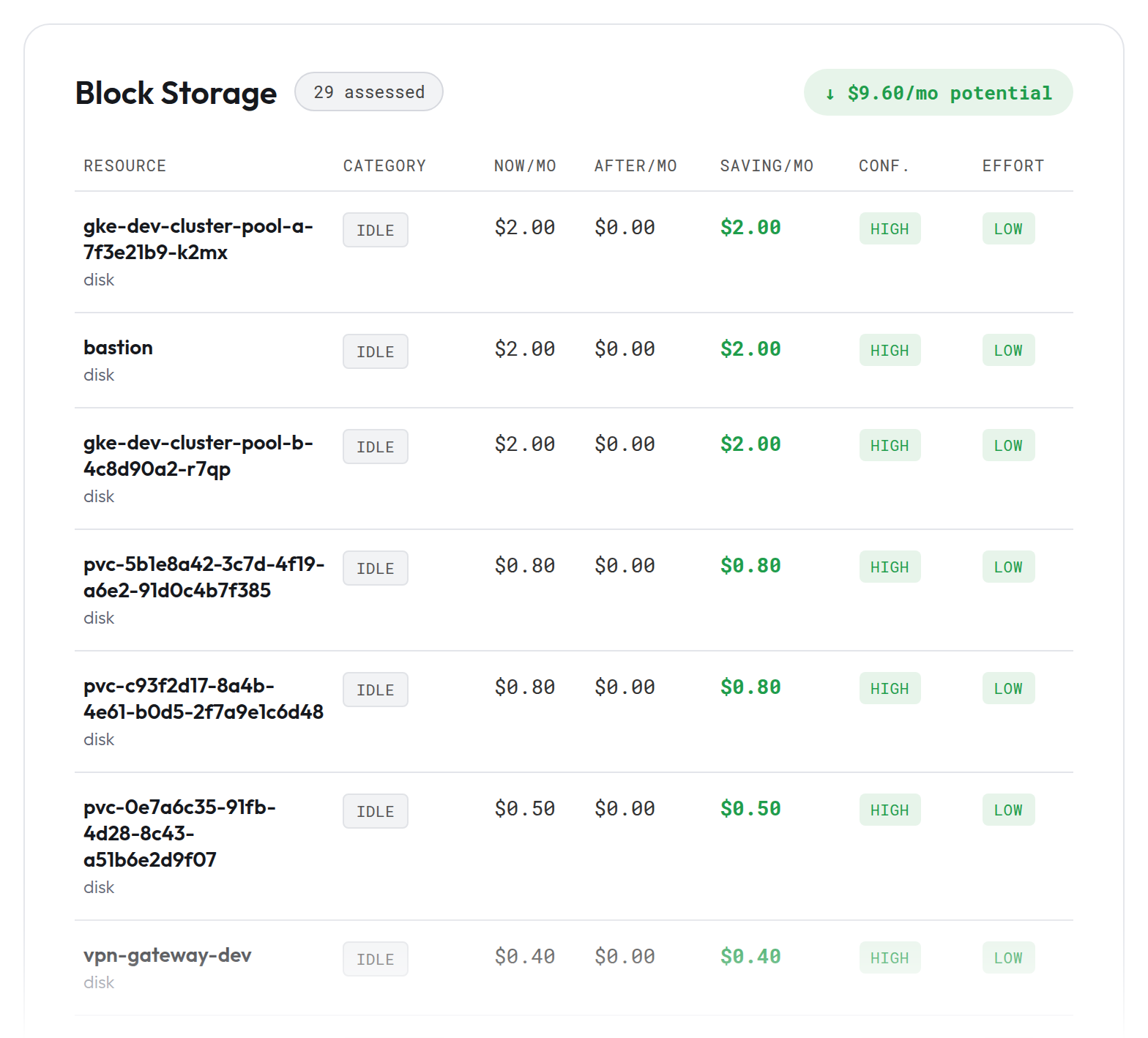
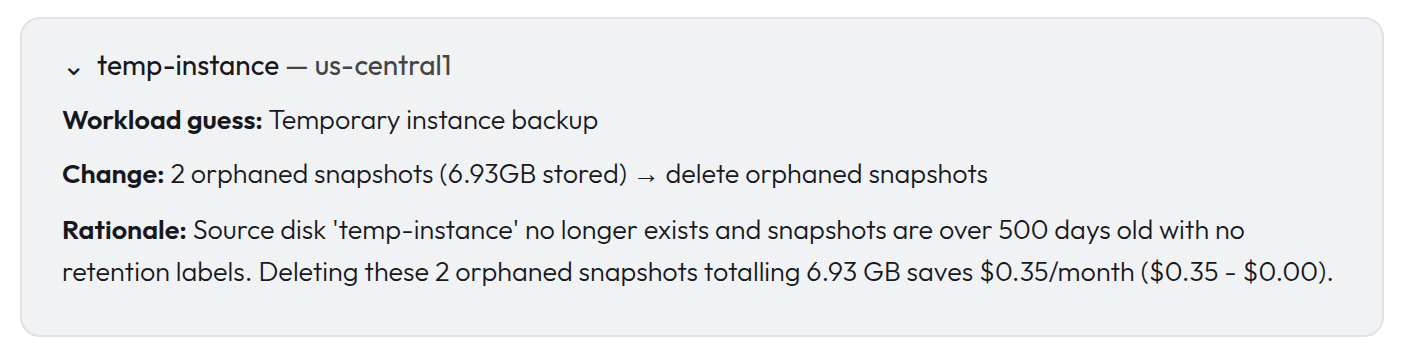
One scan, one report. CPA inventories a project across all the different services and returns a single prioritised list, ranked by dollar impact. Every line carries the same four things: the current cost, the projected cost, the saving in real dollars, and the actual usage metric it rests on. So instead of "consider rightsizing," you get "this VM averaged eight percent CPU over the last two weeks, here is the smaller machine type, here is the monthly difference."
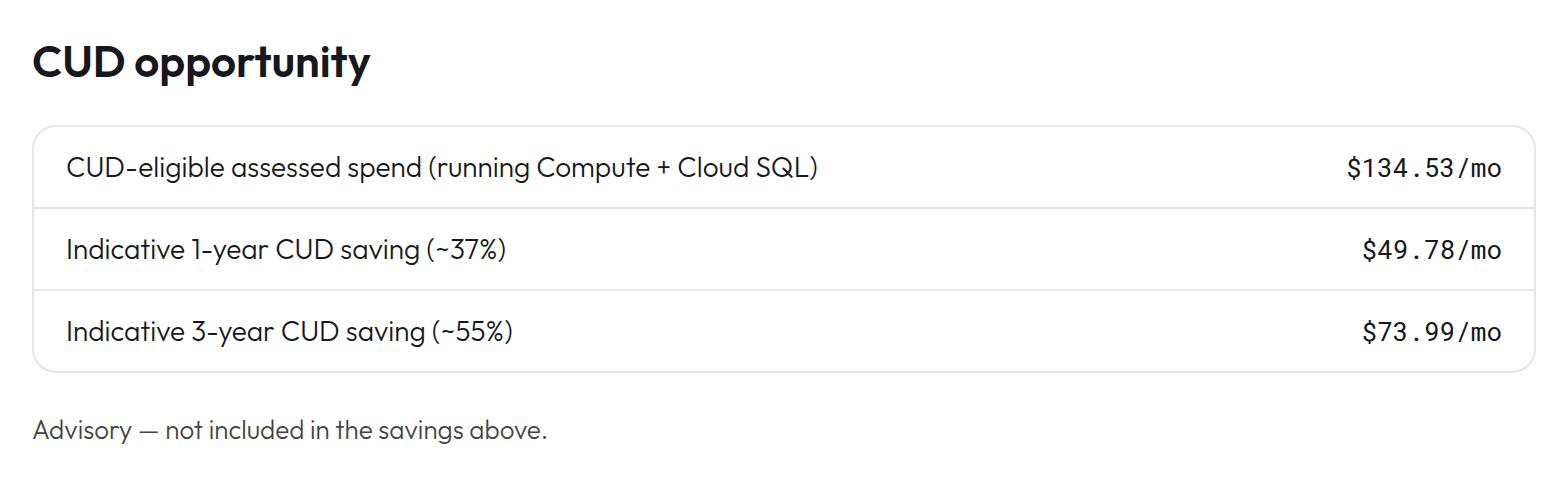
It is honest about the numbers in the way that matters when a customer is going to read them. Everything is priced at Google's published list rates. Committed-use and sustained-use discounts get their own advisory section rather than being folded into the headline, because whether to commit is a financial call you should make with clear numbers in front of you.
Where it tends to find the money
Idle and oversized VMs. Databases provisioned for a load that never arrived. Persistent disks left unattached and snapshots kept long past any use. External IP addresses and load balancers reserved for things that no longer exist. Stale machine-learning endpoints holding capacity nobody is calling. None of these are hard to fix once someone hands you the list with a dollar amount next to each item.
Add the cost lens to your next security review
If a security review of your GCP estate is already on your radar, add the cost lens to it. We will run a single read-only assessment and hand you both the risk findings and a ranked, dollar-sized list of savings you can act on. Talk to Zazmic about a combined Security and Cost Posture Assessment.